Monitor Onboarding Process in Live Platform
You can login to the Live Platform and monitor the progress of the deployment of your new service. Initially a Warning alarm is raised for the service pending the customer Global Admin’s granting of all consents while completing the Quick Start wizard. Once the consents have been provided and a secure connection with the customer's M365 platform established, the alarm is cleared.
It may take a few minutes for the statuses to update following the successful completion of the Quick Start.
| ➢ | To login to Live Platform : |
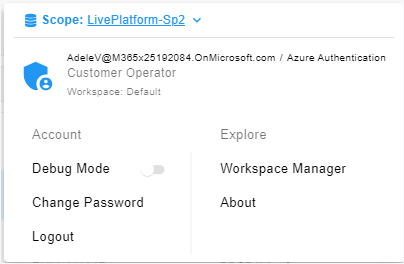
| 1. | Login to the Live Platform with your Live Platform Global admin or customer operator (see Add Live Platform Operators and Logging In). |
| 2. | In the Menu bar, choose Topology and then click the Services tab. |

| 3. | In the Service Details pane, click the Active Critical alarm, if existing, to open the Alarms page to display the details of the alarm. The alarm indicates that consent to read Entra ID Groups and Users is required. |
Once consent is provided and the alarm is cleared, the OK and Ready statuses are displayed.
